


Chat
Say it once.
Ask the way you’d ask a colleague; the apps do the work, and anything public waits for your OK.
Footage: Wan 3.0 · Ione and Orela are fictional
Logo, shoot, film and shop, from one line you write.
Music only.

Early access opens soon · the invite is free
Ione and Orela are fictional; every face, product and work on this page is imagined.
Everything Orela needed to launch. Each piece began as one line.
6 of 6, from one sentence
The sentence
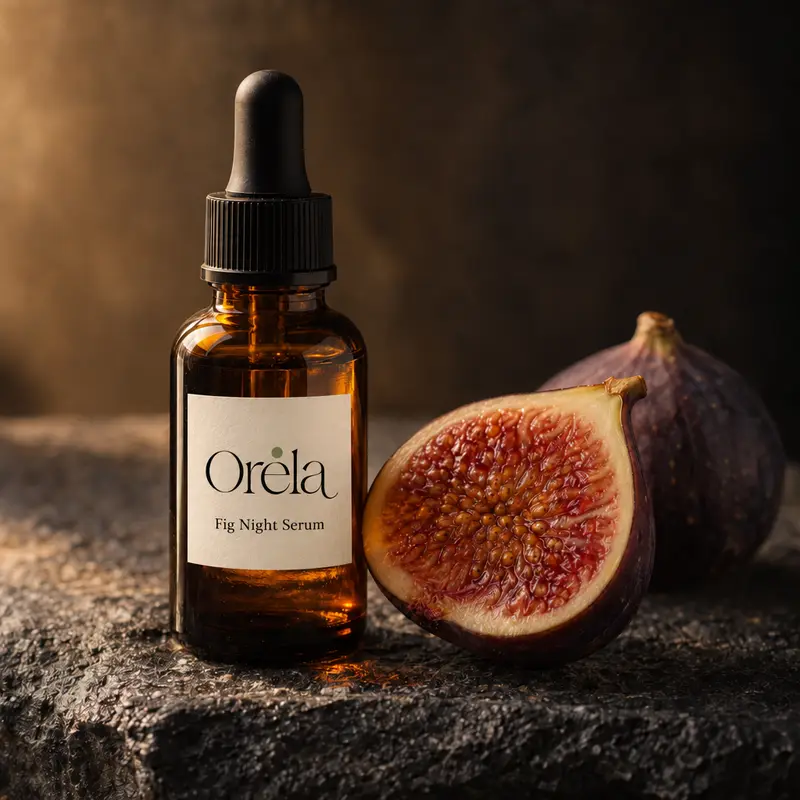
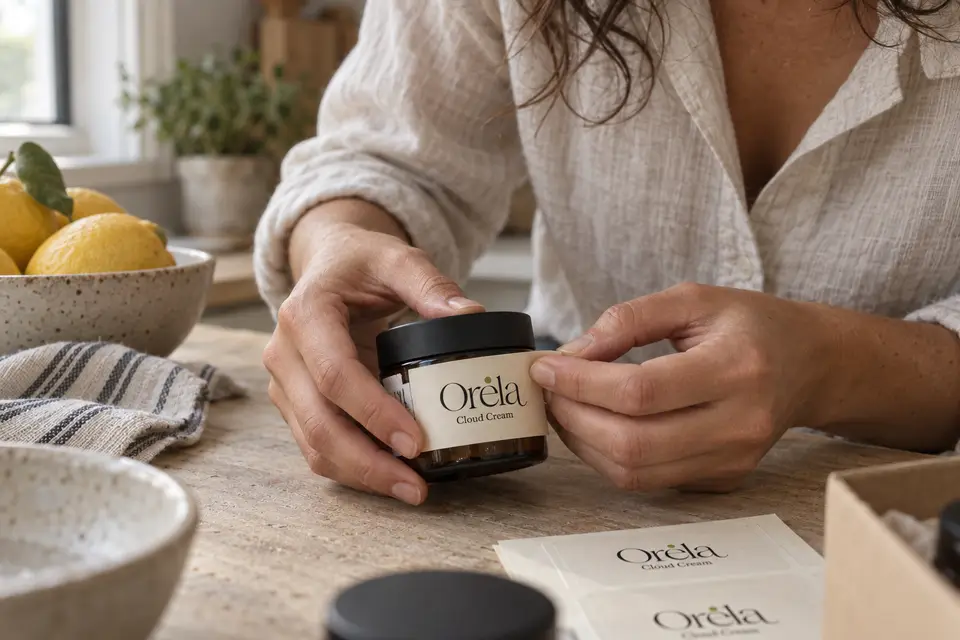
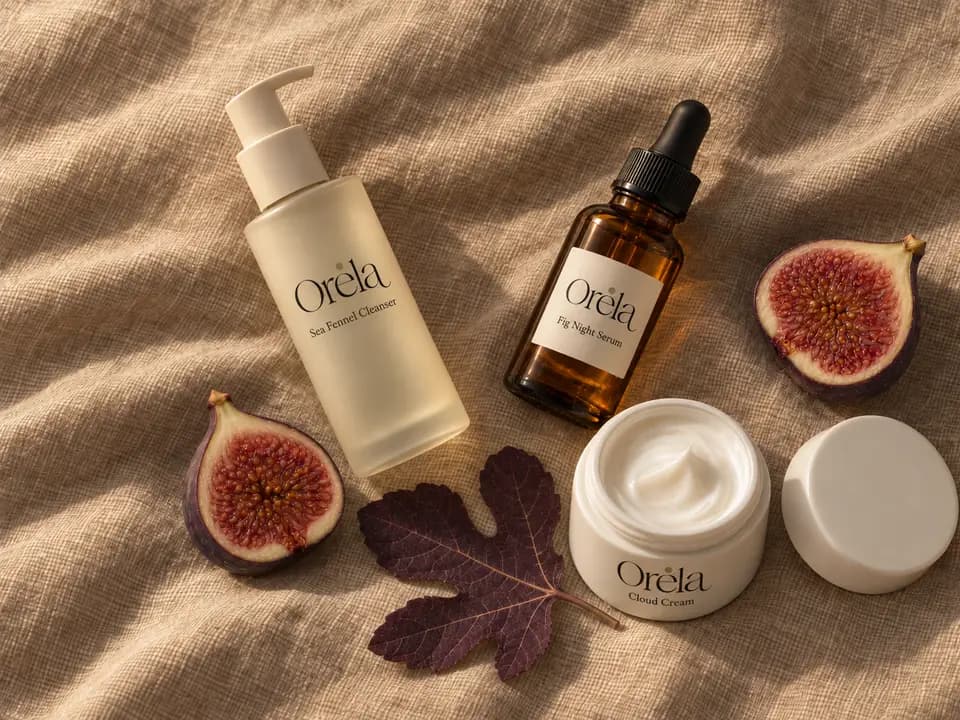
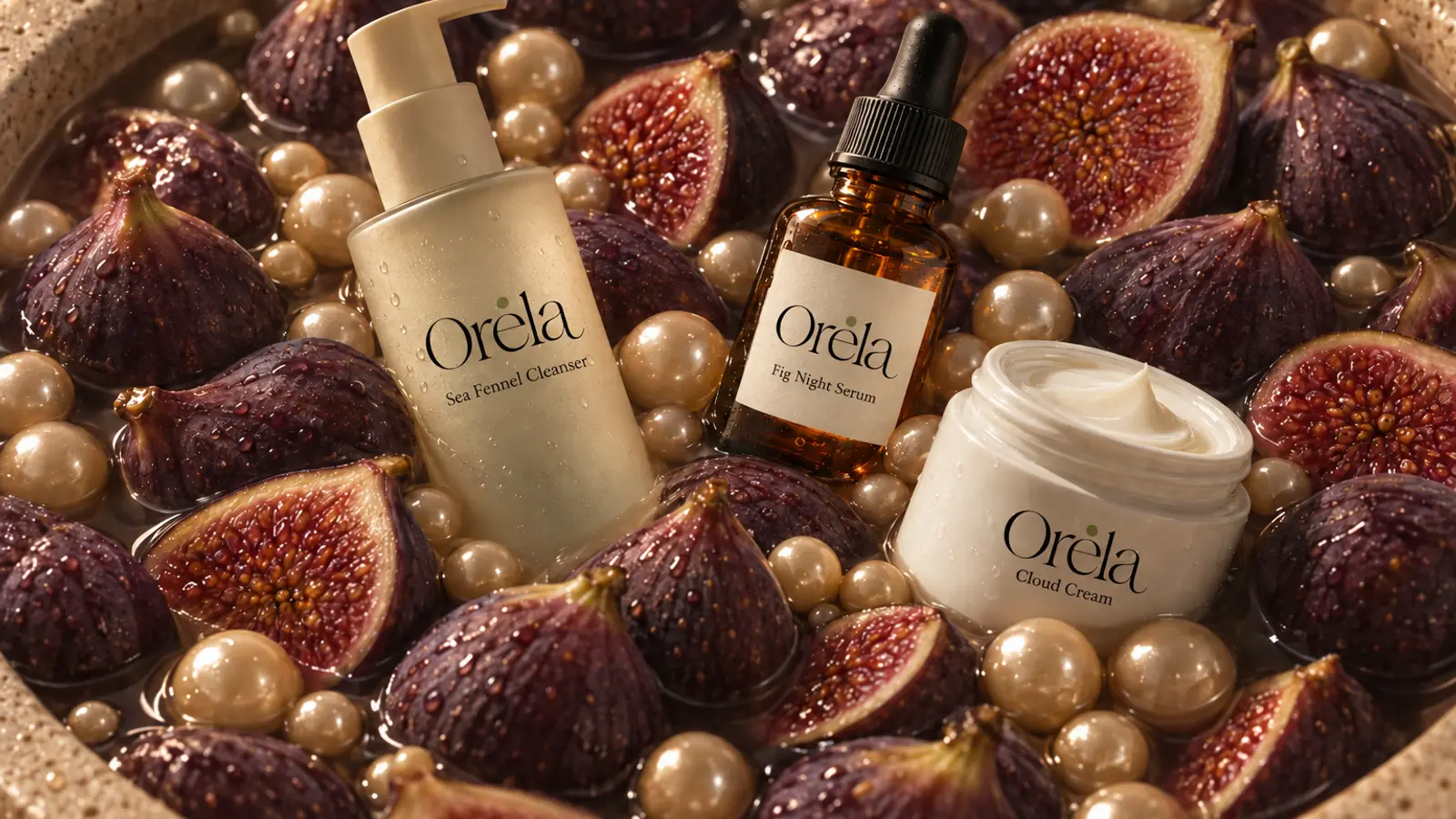
Orela’s three products in a bowl of figs and pearls, warm light from above.— GPT Image 2.5
Slow macro of white cream folding over itself, warm side light, nothing else in frame.— Wan 3.0
A quiet wordmark for Orela, small-batch skincare from Milan, thin serif, one olive dot.— Recraft V4.1 Pro
Small-batch skincare in three quiet steps.
See the three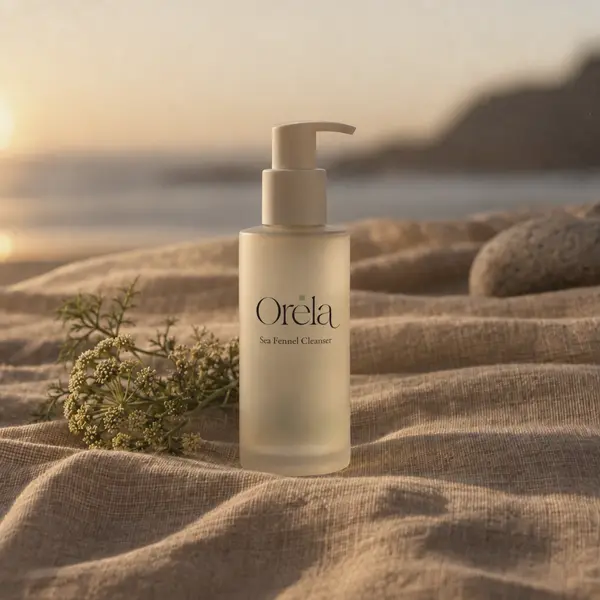
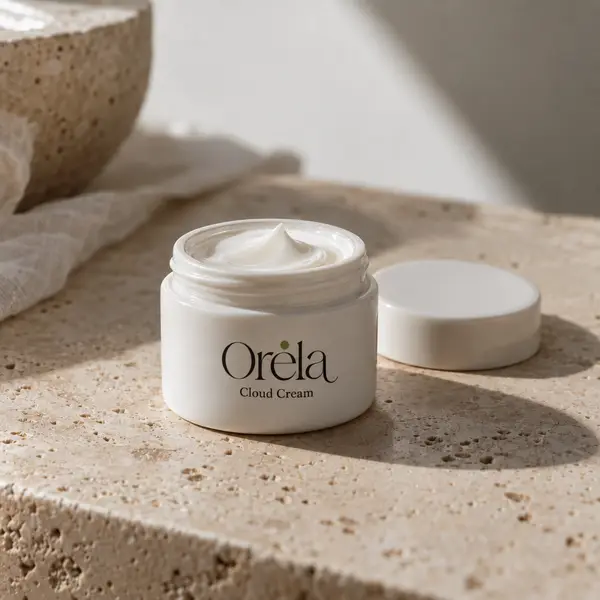
A shop for Orela: three products, a short story page, colours of sand and fig.— Yiantsi Sites
Vertical ad: Fig Night Serum by a sunny window in Milan, a halved fig, a slow push-in.— Wan 3.0
A small app where customers save their morning and evening Orela routine, with reminders.— Yiantsi Code
Say what you need in Chat. Each app does its part, in your brand.
Ask the way you’d ask a colleague; the apps do the work, and anything public waits for your OK.
Describe the photo or the clip you imagine, and pick the model that suits it.
Describe it and it builds itself, products and prices included; you publish in one click.
Layers, text and shortcuts like Canva, with your colours and fonts one click away.
Describe the app, watch it run live, and change it by talking.
Every post in one calendar, drafted in your brand and waiting for your OK.
Colours, fonts, logo and voice live in one kit that every app reads on its own.
Each app has its own assistant, and long jobs run in the background.
SoonMCP
Ask from Claude, ChatGPT or Cursor; the work is done in Yiantsi.
 ClaudeChatGPTCursor
Everything Orela made lives in one place, whichever app it came from.
One folder per launch, with what every app made for it.
What you uploaded and what you made, in one library.
A timeline of everything, so you pick up where you left off.
Pick the right model for each task, in every app.
Write, plan and think things through in Chat.
Claude Opus 5.5Anthropic Gemini 3.1 ProGoogle
Photos, product shots and logos, each from a model made for the job.
Nano Banana ProGoogle Seedream 5.0 ProByteDance
 FLUX 3Black Forest Labs
 Recraft V4.1 ProRecraft
Films and reels from a few words or a single photo.
 Wan 3.0Alibaba
 Veo 3.1GoogleSeedance 2.5ByteDance
 Kling 3.0Kuaishou
Model names as of October 2026. Each model belongs to its maker; Yiantsi connects it to your apps.
Not to look exclusive. So a real person answers when something gets in your way.
We open a wave once everything works for the people in it. We talk to each new member, fix what they find, then open the next.
The order is simple: sign up earlier, get in earlier.
The Yiantsi team
Just your email. Ten seconds.
We email you your personal link.
Sign in with Google and watch it take shape.
We use your email only for your invite. See the Privacy Policy.
Yiantsi is an AI studio that turns one sentence into a brand: a logo, product photos, video, a site with a shop and social posts, in one conversation.
Leave your email. We open in waves, in list order. When it’s your turn, you get a personal link and sign in with Google.
No. The invite is free, and if anyone tries to sell you one, don’t buy it.
Images and video in Artemis, pages and a shop in Sites, designs in Design, apps in Code and your post calendar in Workflows, all in your brand, from one conversation. Anything marked Soon isn’t available yet.
Founders, makers and small businesses that need a brand and its content, without an agency or a stack of tools.
Leading models from their makers: Claude, GPT, Gemini and Grok for text; GPT Image, Nano Banana, Seedream, FLUX and Recraft for images; Wan, Veo, Seedance and Kling for video (the full list). Yiantsi connects them to its apps and doesn’t own them, and you always see which model is working.
Soon, through MCP: you’ll connect your account at mcp.yiantsi.com and ask from the assistant you already use.
Yes. On your phone you start from the conversation; the big editors, like Design and Code, work best on a computer.
Yes. The studio and this site are in English and Greek, and every app works in both.
We use it only for your invite. Ask us to delete your email anytime.


